Softr Databases Explained: Tables, Fields, Records & AI
Databases sound intimidating, but they don't have to be. Here's a practical breakdown of how Softr databases work — from the basic building blocks of tables, fields, and records to AI agents that automate your workflow — so you can build your own business tools without writing a single line of code.

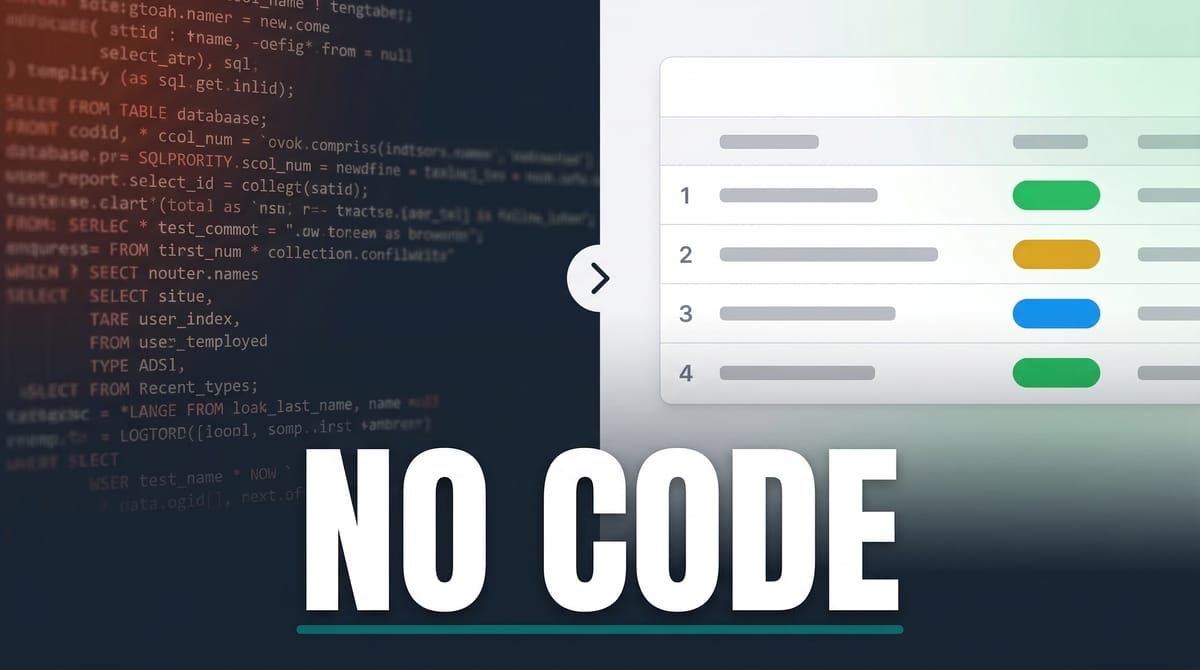
Build custom business applications without code. Softr gives you a visual database, drag-and-drop interface builder, AI features, and built-in workflows — all starting with a generous free plan.
Links Mentioned in This Video
Why You Need to Understand Databases
Here's the thing — we're all software developers now. Maybe not in the traditional sense, but the tools available today mean there's nothing stopping you from building the exact business application you need. No expensive developer, no waiting months for features, no settling for that $79/month SaaS tool that almost does what you want.
But to build something useful, you need to understand how the underlying data works. That means understanding databases. And before you tune out because that word sounds too technical — if you've ever used a spreadsheet, you already understand the basics.
In this post, I'm breaking down everything you need to know about databases using Softr as the platform. We'll go from zero to building real front-end interfaces connected to a database, and even throw some AI into the mix.
Front End vs Back End — The Two Halves of Every App

Every application has two sides. The **front end** is what you see and interact with — buttons, pages, forms, dashboards. If you've ever used a visual page builder for a website, you've designed a front end.
The **back end** is the database. It's where all your data lives — user accounts, client records, project details, invoices. The front end is just a window into that data, presenting it in a way that makes sense for whoever is using the app.
In Softr, the front end builder is called the "interface." You can click on elements, drag things around, and redesign the layout visually. But the real power comes from understanding the database that feeds it.
Database Basics — Tables, Fields, and Records

Three terms. That's really all you need to learn to have an intelligent conversation about databases — whether you're talking to a developer, prompting an AI, or just configuring your own app.
**Tables** are the main organizational unit. Think of them as individual spreadsheets within a workbook. A client portal might have tables for Users, Companies, Projects, Tasks, and Invoices. Each table holds a different category of information your app needs.
**Fields** are the columns within a table — the types of data you're tracking. A Companies table might have fields for Name, Industry, Company Size, Contact Email, and Current Projects.
**Records** are the individual rows — each one representing a specific item. So one record in the Companies table would be a single client, with all their details filled into the fields. That's it. Tables, fields, records. Everything else builds on these three concepts.
Connecting the Database to the Front End
This is where it gets interesting. The whole point of a database is to power what users actually see. In the video, I walked through a client portal template in Softr where an employee named Sophia can log in and only see the projects she's assigned to.
That filtering happens because the database knows which projects belong to which users. When Sophia loads the Projects page, the front end checks her user record, looks at which projects she's linked to, and only shows those.
The beautiful part is that changes to the database reflect instantly on the front end. When I assigned Sophia to a new project by editing her record, it showed up in her portal immediately — no refresh needed, no code required.
Relationship Fields — Connecting Tables Together

Most databases aren't just flat lists. Your data has relationships — users belong to projects, projects belong to companies, invoices are tied to specific clients. Relationship fields are how you create those connections.
In Softr, creating a relationship field is straightforward. You add a new field, choose "Related Record" as the type, and pick which table you want to connect to. You can even allow linking to multiple records — so a user can be assigned to several projects at once.
Once the relationship exists, you can use it everywhere. Filter what users see based on their linked records, pull related data into views, and build conditional logic around those connections. This is the foundation of any real application, and Softr makes it accessible without writing SQL queries or API endpoints.
Building the Interface — Blocks and Conditional Filters

Softr's front end builder works with **blocks** — visual components you place on pages. A block might display a list of projects, a detail view of a single record, or a form for submitting data.
The real power comes from **conditional filters**. These let you control which records appear based on who's logged in, what role they have, or any other criteria. In the client portal example, employee blocks only show projects where the logged-in user is a team member. Administrator blocks show everything.
Swapping out which field drives a filter is as simple as clicking the X on the old one and selecting a new field. What would take a developer hours of coding — connecting a database query to a front-end component with user-specific filtering — takes a few mouse clicks in Softr.
AI Agents — Automate Your Database with AI

This is where Softr starts to feel like the future. AI agents are special field types that run an AI model against your data automatically. You write a plain-English prompt, pick a model (like Claude Sonnet 4.6), and tell it when to run.
In the video, I created a TLDR field that reads a project's full description and generates a bulleted list of deliverables. You can trigger it manually, when a new record is created, or when an existing record is updated. Imagine a client submitting a project brief through a form and immediately getting a structured summary without anyone lifting a finger.
The output goes right into your database as a regular field, which means you can display it on the front end just like any other piece of data. Toggle it on in the interface builder, and your users see AI-generated content without knowing or caring how it got there.
AI-Powered Formulas and Ask AI

AI isn't limited to agents in Softr. When you need a formula field — say, calculating the average invoice amount per project — you don't have to remember spreadsheet syntax. Just type what you want in plain English ("divide total amount billed by number of invoices") and the AI writes the formula for you.
Then there's **Ask AI**, which lets your front-end users chat with their data directly. Enable it on any data block, and users get a button to ask questions like "what's the total revenue across all companies?" The AI queries the database and responds in plain language. Your team gets answers without needing to export data or build custom reports.
Softr Pricing vs Airtable

Pricing is always worth comparing. Softr's free plan gives you 5,000 records — generous enough to build and test a real application. Their $49/month plan bumps that to 50,000 records with 20 users included. The $139/month Pro plan gives you 500,000 records and 100 users.
Compare that to Airtable: 1,000 records on the free plan, and $20/month **per user** for 50,000 records per base. If you have a team of 10, that's $200/month on Airtable vs $49/month on Softr. The math gets even more lopsided as your team grows.
The key difference is that Softr's pricing isn't per-user. You get a flat rate with generous user limits, which makes it far more practical for businesses that need multiple people accessing the same application.
Templates and Workflows

Starting from scratch with a database can be intimidating — get the structure wrong early and you'll be fighting it forever. Softr offers a solid library of templates that give you a pre-built database with sensible tables, fields, and relationships already configured. Client portals, CRMs, project trackers — pick one and customize from there.
Workflows are the automation layer. Think of them as a built-in alternative to tools like Zapier or Make. When a new record hits your database — say, a new lead signs up — a workflow can automatically scrape their website, summarize it with AI, and save that summary back into the database. Your sales team sees enriched lead data without doing anything manually.
And workflows aren't locked into the Softr ecosystem. There are integrations with third-party tools, so you can pull data from (and push data to) just about anywhere.
Start Building — It's Easier Than You Think
If you made it through this post, you now understand more about databases than most non-technical people. Tables, fields, records, relationships — that's the vocabulary. And with a platform like Softr, you don't need to learn SQL, hire a developer, or spend months figuring out how to connect a back end to a front end.
The combination of a visual interface builder, a no-code database, AI features baked in, and an automation layer means you can realistically build the custom tools your business actually needs. Start with the free plan, grab a template that's close to what you want, and start making it yours.
Use promo code **DAVE** when you sign up to get your first month of the Pro plan free. That gives you 500,000 records and 100 users to really put it through its paces.
Frequently Asked Questions
What is a database in simple terms?
A database is an organized collection of data for your application. Think of it as a set of spreadsheets (called tables) where each spreadsheet has columns (fields) and rows (records). It stores all the information your app needs — users, projects, invoices, etc.
What's the difference between a table, a field, and a record?
A table is a category of data (like Users or Projects). Fields are the column headers within a table (like Name, Email, Status). Records are individual entries — one row in the table representing a specific user, project, or item.
What are relationship fields in a database?
Relationship fields connect two tables together. For example, linking a Users table to a Projects table so each user can be assigned to specific projects. This lets you filter, display, and organize data across related tables.
Can I build an app with Softr without knowing how to code?
Yes. Softr is a no-code platform where you build both the database and the front-end interface visually. You can create tables, design pages, set up user permissions, and even add AI features — all without writing any code.
How does Softr's pricing compare to Airtable?
Softr's pricing is flat-rate (not per-user). Their $49/month plan includes 50,000 records and 20 users. Airtable charges $20/month per user with 50,000 records per base. For teams, Softr is significantly more cost-effective.
What AI features does Softr have?
Softr includes AI agents (automated fields that process data with AI models), AI-powered formula generation (describe what you want in plain English), and Ask AI (lets front-end users chat with their data to get instant answers).
What are Softr workflows?
Workflows are Softr's built-in automation layer. They trigger actions when database events occur — like enriching a new lead's record with AI-scraped website data. They also integrate with third-party tools for pulling and pushing data externally.
Get Dave's Toolbox
The tools I actually use, every Tuesday. Free. No spam.
No cost. No spam. Unsubscribe anytime.