Softr AI Co-Builder: Build a Full Business App From One Prompt
Softr just launched their AI Co-Builder, and it might be the most practical AI-powered app builder I've used. I built an entire agency operating system from a single prompt — complete with client management, project tracking, invoicing, and role-based permissions.

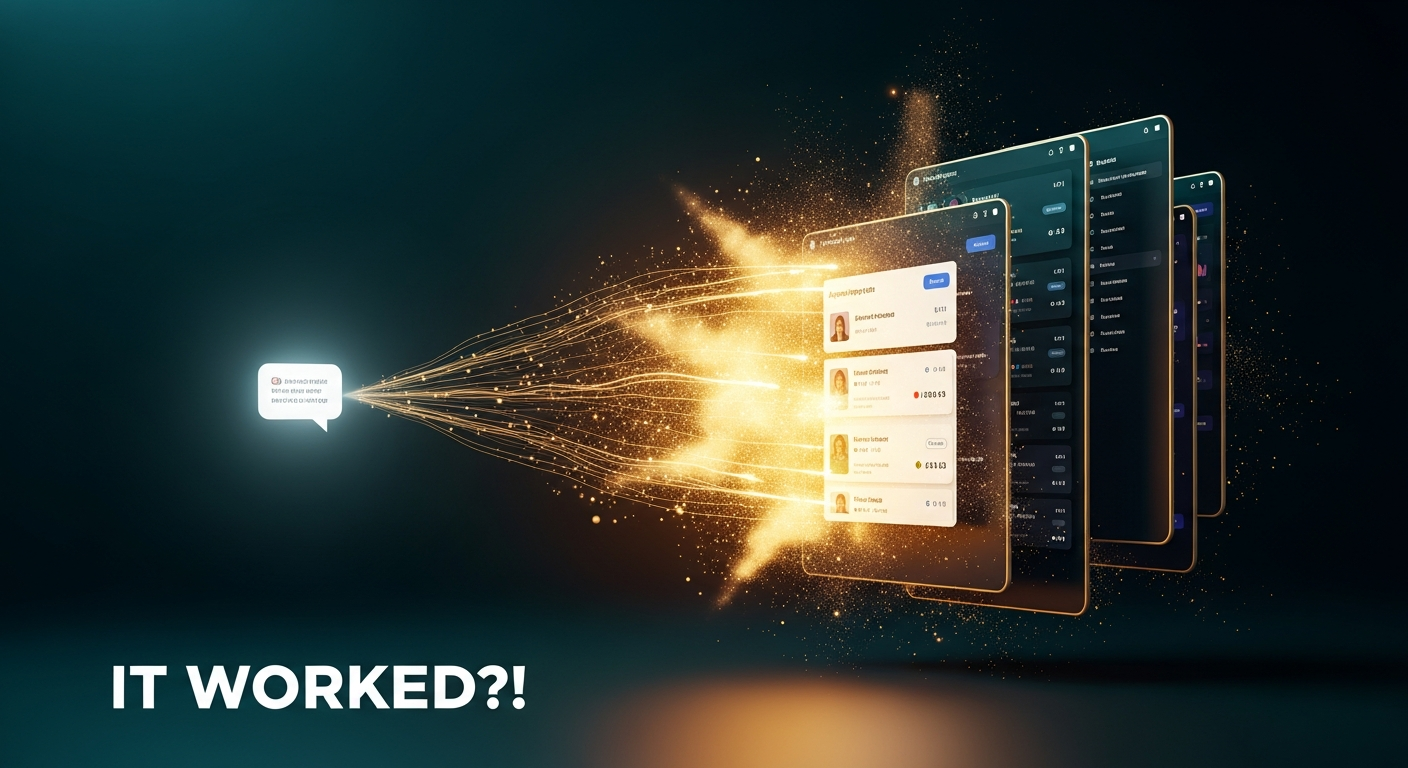
Softr's AI Co-Builder lets you build complete business apps from a single prompt. Get 200 free AI credits to try it — no credit card required.
Softr AI Co-Builder
Build complete business apps from a single prompt using Softr's AI-powered no-code platform
Small business owners, agency owners, and entrepreneurs who need custom business apps without coding
Notion, Bubble, traditional vibe coding tools
What Is the Softr AI Co-Builder?
Softr has been a solid no-code app builder for a while now, but their new AI Co-Builder is a completely different experience. Instead of the usual "pick a template or start from scratch" flow, you're greeted with a prompt box that asks what you want to build. You describe your app in plain English, and the Co-Builder handles the rest.
This isn't just another vibe coding tool bolted onto an existing platform. The Co-Builder works differently under the hood — and that distinction matters when you're building something you actually need to rely on for your business.
Softr reached out to show me this feature, and after spending time with it, I wanted to walk through the entire process of building a real-world application from scratch.
Preparing the Prompt With Claude Desktop
Before jumping into Softr, I used a technique I've found really effective: using one AI tool to help organize my thoughts before building in another. I opened Claude Desktop, held down the function key on my keyboard, and used MacWhisper to dictate everything I wanted in my agency OS.
Claude took that rough brain dump and organized it into a detailed, structured prompt that I could paste directly into Softr. Think of it like using plan mode in Cursor or Claude Code — you're front-loading the thinking so the build goes smoother.
This step is optional, but for complex apps with multiple user roles and interconnected features, having a well-structured prompt makes a noticeable difference in the output quality.
The Co-Builder Interview Process

After pasting in my prompt, the Co-Builder didn't just start building blindly. It launched an interview process — a series of smart follow-up questions about the specifics of my app. How should clients access the portal? How will team members log time? Do I want CRM-style pipeline views or checklist-based onboarding?
This is where the Co-Builder starts to feel genuinely thoughtful. It asked about authentication preferences, navigation layout for both desktop and mobile, and even let me pick a visual theme with a live preview. The questions were specific to what I'd described, not generic.
For the authentication setup, I chose email-based login with no public sign-up — I want to control who gets access by sending invitations. The Co-Builder understood this immediately and configured permissions accordingly.
Watching the App Build in Real Time

Here's where things get interesting. After confirming my choices, the Co-Builder started assembling the application — and you can watch the entire process happen in real time. It started with the database structure, creating tables for users, clients, projects, tasks, deliverables, time entries, onboarding checklists, and invoices.
Then it set up the relations between tables: linking invoices to clients, invoices to projects, adding individual fields. This is database architecture that could take weeks to plan and build manually, and it was done in minutes while narrating every step.
The transparency here is a big deal. With traditional vibe coding, you get a black box where you're hoping the code that comes out works. Here, I could see exactly what was being built and verify it matched what I asked for. It even populated placeholder data so I could see how everything flows in the actual application.
Exploring the Finished App

Once the build was complete, I jumped into preview mode to see the result. The homepage had KPI cards at the top, tabbed views for switching between clients and projects, and clean navigation throughout. Logging in as the owner role, I had access to everything — client lists with churn filters, project views with status tracking, and dedicated project detail pages.
Each project page showed tasks, deliverables, time entries, and connected invoices all in one place. If a client is past due on payment, that's visible right from the project view. The level of interconnection between all these features is something that would take significant effort to replicate in a tool like Notion.
The whole thing was also mobile responsive out of the box. Softr provides a QR code so you can scan and preview on your actual phone — not just a simulated viewport. The mobile layout used bottom navigation instead of the dual side-and-top nav I chose for desktop, exactly as I'd configured during the interview.
How AI Co-Builder Differs From Vibe Coding

This is the question everyone asks: isn't this just vibe coding? The answer is no, and the distinction is important. When you vibe code something with tools like Cursor or Bolt, the AI generates raw code from scratch. Every component, every function, every database query is written on the fly.
What Softr's AI Co-Builder does instead is assemble production-ready blocks that Softr has already built and tested. The AI reaches into a library of proven components and puts them together like Legos based on your prompt. The blocks are flexible — there are essentially unlimited combinations — but the underlying pieces are battle-tested.
The practical benefit is huge: you don't end up with a massive codebase to maintain. Everything lives in Softr's visual editor, and any changes you need to make happen through a familiar drag-and-drop interface rather than debugging generated code.
Tweaking With the Visual Editor

The visual editor is where the "best of both worlds" argument really clicks. After the AI builds your app, you can open any page and start adjusting things visually. I clicked on a filter block, went to the content tab, scrolled to the in-app filters, and added a new "created date" filter in about three clicks.
Compare that to vibe coding the same change: write a prompt, wait 10-15 minutes for it to process, realize it broke something else, write another prompt to fix it. For small tweaks, a visual editor is just faster and safer.
Softr's editor gives you four main views: Interface (front-end layout), Data (database structure), Users (authentication and roles), and Workflows (automations and integrations). Each section is accessible without the Co-Builder, but you can always invoke it again for bigger changes.
Authentication and User Roles

Authentication is where most vibe-coded apps fall apart. Getting role-based access control right — especially with multiple user types like owners, employees, and clients — is genuinely difficult when you're generating code from scratch at 2am.
Softr's authentication system is pre-built, tested, and laid out in plain English. I can see my user groups, verify that sign-up is disabled (as I requested), and toggle settings like Google sign-in with a couple of clicks. If I change my mind and want to allow public sign-up later, it's right there in the Users section.
My app has three user groups — owner/admin, team members, and clients — each with different permission levels. The Co-Builder set all of this up correctly from my initial prompt, and I can verify exactly how it works without reading a single line of code.
Workflows and External Integrations
Even with a comprehensive business app, you'll still need to connect external tools. Softr includes a workflows feature that lets you set triggers inside your database or app and integrate with services like Airtable, Notion, or Calendly.
It's a step-by-step builder similar to what you've seen in automation tools, except it can talk directly to your Softr database. For example, I set up a workflow that triggers when a new record is added, visits the linked website, uses AI to summarize the content, and stores the summary back in my database for the sales team.
This means you don't need a separate n8n or Zapier subscription to connect the pieces — Softr handles it natively.
The Vibe Coding Block
For those moments when you need something truly custom, Softr added a vibe coding block. In the visual editor, you add a new block, search for "vibe," and drop it into your page. Then you describe what you want in plain text and it generates the feature right inside your app.
I tested it by asking for a Pac-Man style game (because why not), and it built a playable version right inside the app. The ghosts needed some work, but the point stands: you can extend your app with fully custom functionality without leaving the Softr environment.
This gives you an escape hatch for edge cases. The pre-built blocks handle 95% of what you need, and the vibe coding block covers the rest.
Who Should Use the AI Co-Builder?
If you're running a small business or agency and you've been stitching together Notion databases, spreadsheets, and random SaaS tools, this is worth trying. The AI Co-Builder can replace that entire stack with a single, purpose-built application that your team and clients can actually use.
It's also a strong fit if you've tried vibe coding but got frustrated with code maintenance, broken authentication, or the back-and-forth of prompt-based debugging. Softr gives you the speed of AI-generated apps with the reliability of a mature no-code platform.
Softr is offering 200 free AI credits to get started — no credit card required. That's enough to build and test a real application before committing.
Final Thoughts
The Softr AI Co-Builder is a genuinely practical tool. It's not trying to replace developers or pretend that AI can do everything — it's taking what Softr already does well (visual app building with reliable, tested components) and adding an AI layer that makes the starting point dramatically faster.
What impressed me most was the transparency. Watching the build happen in real time, seeing the database structure form, verifying the permissions — it gave me confidence in the output in a way that black-box vibe coding tools don't. And having the visual editor available for tweaks afterward is the right approach.
If you're building business tools and want something more reliable than generated code but faster than building from scratch, give the AI Co-Builder a try. The 200 free credits are enough to see what it can do.
Frequently Asked Questions
What is the Softr AI Co-Builder?
The AI Co-Builder is Softr's new feature that generates complete business applications from a text prompt. Instead of picking templates or building from scratch, you describe what you want and the AI assembles production-ready components into a working app.
Is the Softr AI Co-Builder the same as vibe coding?
No. Traditional vibe coding generates raw code from scratch. Softr's AI Co-Builder assembles pre-built, tested components — like putting together Legos. This means you don't end up with a codebase to maintain and the components are already production-ready.
How much does the Softr AI Co-Builder cost?
Softr offers 200 free AI credits to get started with no credit card required. This is enough to build and test a real application. Paid plans are available for more credits and additional features.
Can I customize apps built with the AI Co-Builder?
Yes. After the AI builds your app, you can use Softr's visual editor to tweak the interface, modify the database, adjust user permissions, and set up workflows. You can also invoke the Co-Builder again for bigger changes.
Does the AI Co-Builder handle user authentication?
Yes. Softr includes a built-in authentication system with role-based access control. You can configure email login, Google sign-in, user groups with different permissions, and control whether users can self-register or must be invited.
Can I add custom features the AI Co-Builder doesn't support?
Yes. Softr includes a vibe coding block that you can add to any page. This lets you describe custom features in plain text and the AI generates the code within your Softr app, giving you an escape hatch for edge cases.
What types of apps can I build with Softr's AI Co-Builder?
You can build client portals, project management tools, CRMs, internal dashboards, and other business applications. The platform supports databases, user roles, workflows, and integrations with external services like Airtable, Notion, and Calendly.
Get Dave's Toolbox
The tools I actually use, every Tuesday. Free. No spam.
No cost. No spam. Unsubscribe anytime.