Building a Client Website with AI: Full Process Walkthrough
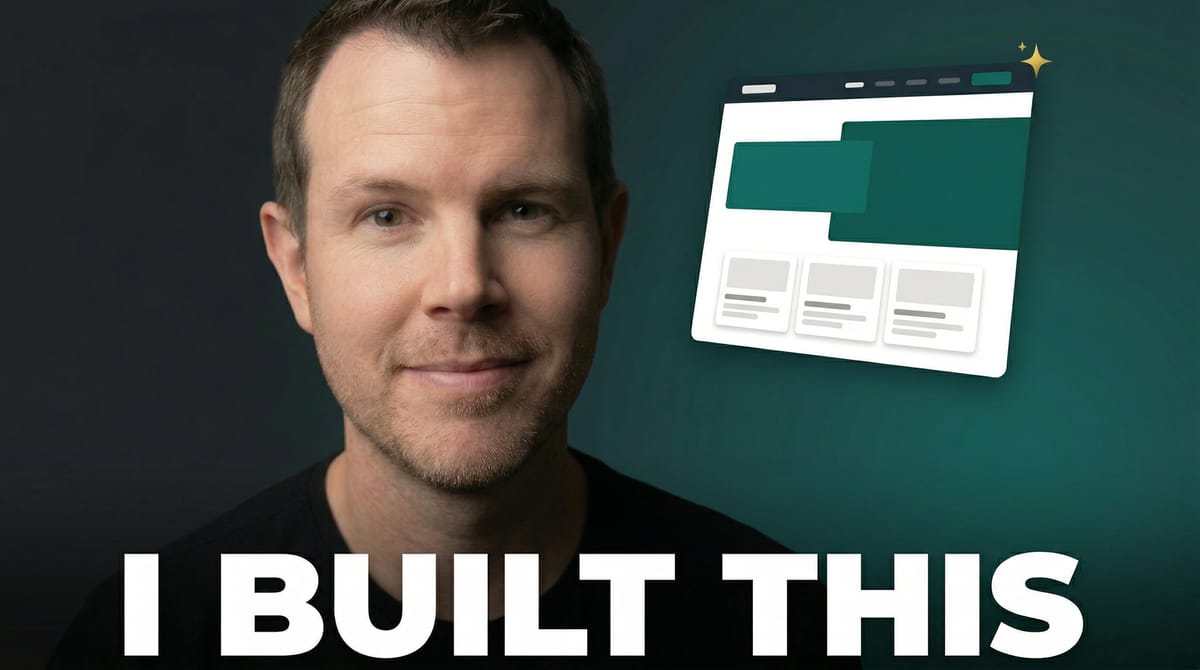
A complete behind-the-scenes walkthrough of building a real client website using AI. From client intake form to live 5-page site on Ghost CMS in about two hours, using Google Stitch for design and Claude Code for development.

Tools Used in This Video
The Project: A Remodeling Company with No Website
Pearson Home Company is a remodeling and home repair business out of Duluth, Minnesota. Their only online presence was a Facebook page. No website, no lead capture, no way for potential customers to find them through search. They needed a professional site, but they didn't have a massive budget for it.
So we decided from the start to go AI-forward. The goal was simple: build a high-quality, professional website without the traditional multi-month timeline and the costs that come with it. What I'm about to walk you through is the exact process I used, including every tool, every prompt strategy, and every decision along the way.
This is the kind of content I can't fit into a YouTube video. There are too many details, too many behind-the-scenes decisions. So this one's for premium members who want the full picture.
Step 1: Always Start with Copy
I know a lot of people jump straight to design, but I've been building websites for years and I always start with copy first. If the copy isn't good, the design doesn't matter. Every conversion on the site will flow around strong messaging.
For this project, I took the client's Facebook page and fed it into Claude. We worked through the website copy together — about five pages' worth of content covering their services, service area, portfolio, and contact information. The client reviewed it, sent back revisions via a Word doc, and we had our foundation.
Starting with copy means when you eventually get to design, you're designing around real content instead of lorem ipsum placeholders. It makes everything feel more intentional.
The Client Intake Form (Built by AI)
I use a structured intake form to gather everything I need from clients. This time I used OpnForm, which is an open-source form builder I self-host on a Hetzner server. It costs practically nothing to run, and it has a great API — Claude Code actually wrote the entire intake form for me without me lifting a finger.
The form covers branding preferences (colors, visual direction), contact information for the site, photo uploads via a shared Google Drive folder, website structure preferences, reference sites they like, and technical details like their domain setup.
This step is important even with AI doing the heavy lifting, because it establishes the project scope before any work begins. If you've worked with clients, you know they'll always want to add more once they see progress. The form helps set boundaries early.